
Your company payroll, without spreadsheets
Upload your time clock file and E-Nómina calculates each employee’s hours, deductions, and net pay. You review and process.
Explore E-Nómina features
Payroll calculation
Overtime, holidays, deductions, and bonuses calculated with your company’s rules. Review each employee’s net pay before you close payroll.
Time and attendance
Import your time clock punches without retyping them and review each employee’s hours, day by day, before you run payroll.
Pay stubs
One pay stub per employee with earnings, deductions, and net pay. Generate the stubs for the whole payroll in a single PDF, ready to print.
For your type of company
Restaurants
Restaurant payroll with shifts, night hours, and weekends. Import your time clock and pay each employee hourly or with a fixed salary.
Factories and warehouses
Shift payroll with overtime and night hours. Import your biometric clock, review each day’s hours, and process without spreadsheets.
Guides
How to calculate overtime
Step by step: the hourly rate, the hours past the schedule, and the premium. With an example and the most common mistakes.
From spreadsheets to payroll software
When a spreadsheet stops working for payroll, what to prepare before you switch, and how to do it without risking the next pay run.
How it works, step by step
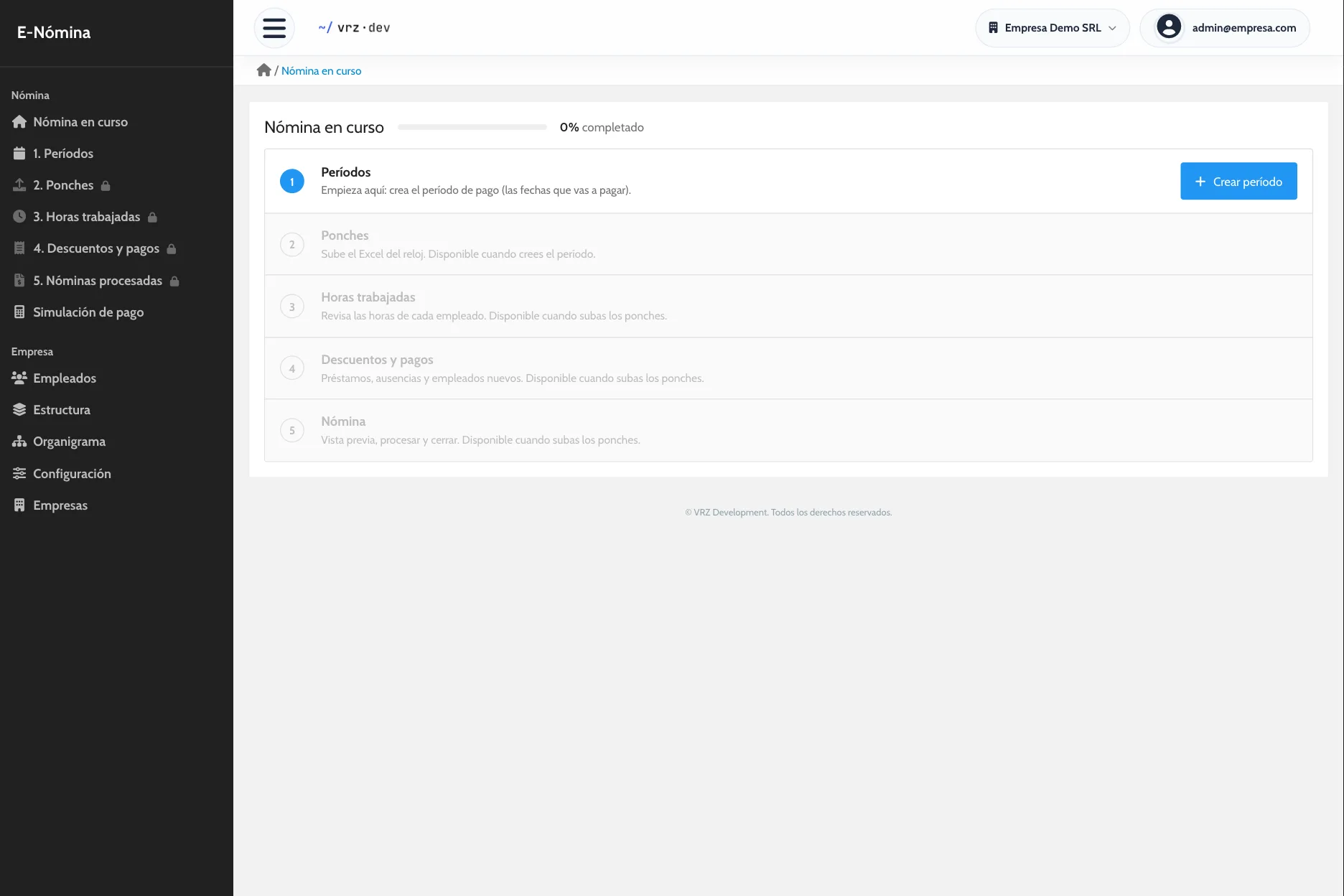
Every payroll follows the same five steps. The main screen shows where you are and what is left.
- Pay period: set the dates you are paying. Each period starts where the last one ended.
- Punches: upload your time clock file and review every punch before you save it.
- Hours worked: see each employee’s regular, overtime, double, and night hours by day, and fix what needs fixing.
- Deductions and payments: add loans, absences, bonuses, or other items. This step is optional.
- Processed payroll: close the period, each employee’s detail is saved, and the next period opens.
Review before you close
Before you process, you can download the payroll as a draft PDF, along with each employee’s pay stub. If something is off, you fix it while the period is still open.
To try out a case without touching the real payroll, the pay simulator calculates the result with the hours and deductions you enter, and saves nothing.
Your team, organized
Each employee has a profile with their details, position, time clock code, start date, branch, and pay type, salaried or hourly. It also keeps their personnel actions, such as hiring, position changes, raises, or departures, their training, and their past pay stubs.
Organize the company by departments and positions, set who each role reports to, and view the org chart.
Several companies in one account
Run payroll for several companies and switch between them from the top bar, without logging out. It works if you manage a group of companies or run payroll for your clients.
How to get started
- Message us and we activate your company.
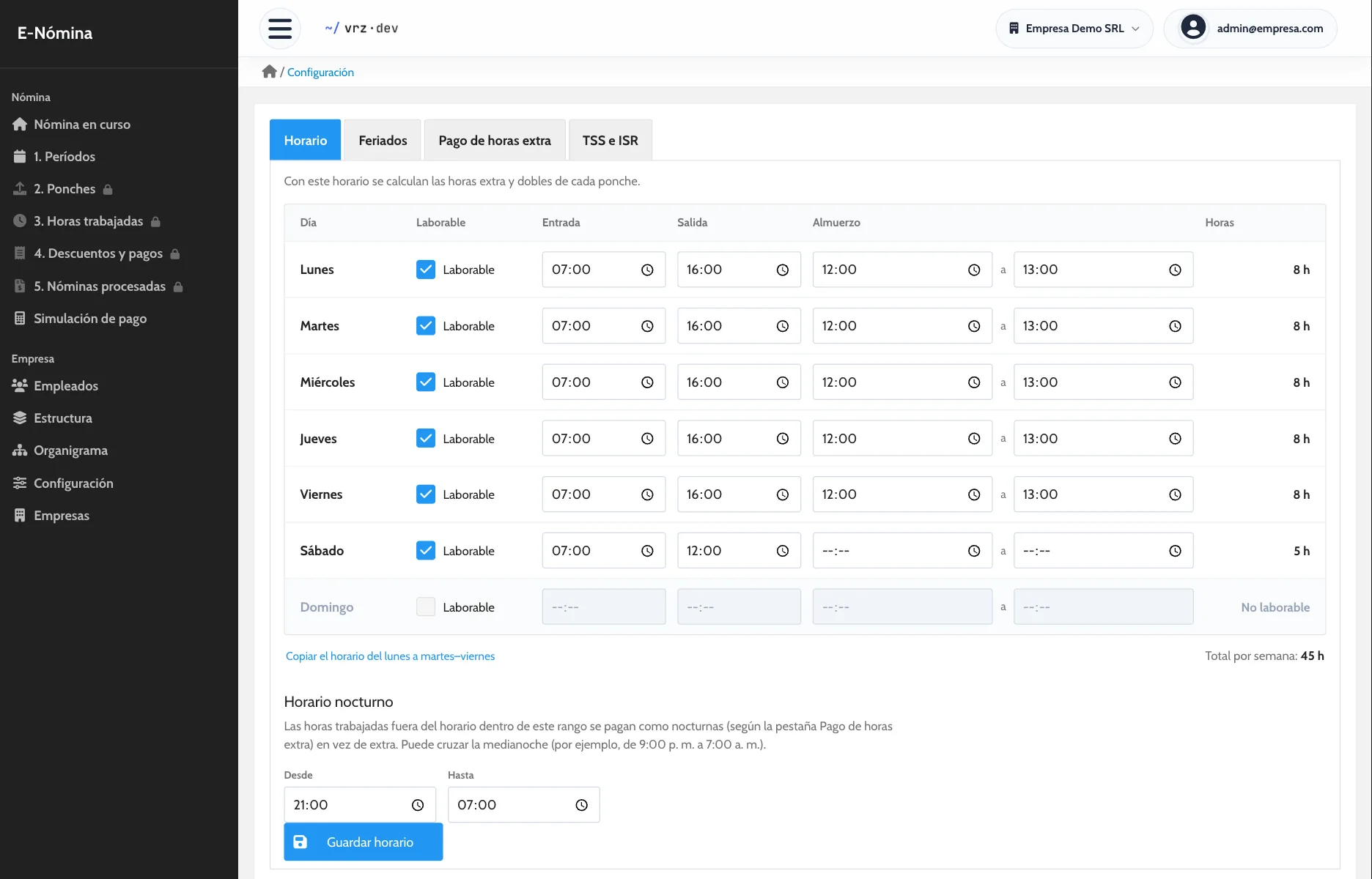
- We load your employees, positions, schedule, and holidays.
- We run one pay period side by side with your current method.
Frequently asked questions
Do I have to type in the punches?
No. You upload your time clock file and E-Nómina does the rest.
Which time clock do I need?
Any clock that exports its punches to Excel. You do not need new hardware.
Can I pay some employees hourly and others a fixed salary?
Yes. Each employee has their own pay type and payroll calculates each case.
Can I run payroll for several companies?
Yes. You switch companies from the top bar without leaving the system.
How do I start without risking my next payroll?
We run one pay period side by side with your current method so you can compare the results before you switch.
Do I need to install anything?
No. It works in your browser, including on your phone.
How much does E-Nómina cost?
It depends on the number of employees. Request a quote.
See it in action
Try the demo with a sample company of 80 employees, or message us to see it with your own payroll.