
Quotes that turn into invoices
Prepare the quote once. When the client accepts, you turn it into an invoice or a contract without retyping anything.
A complete quote
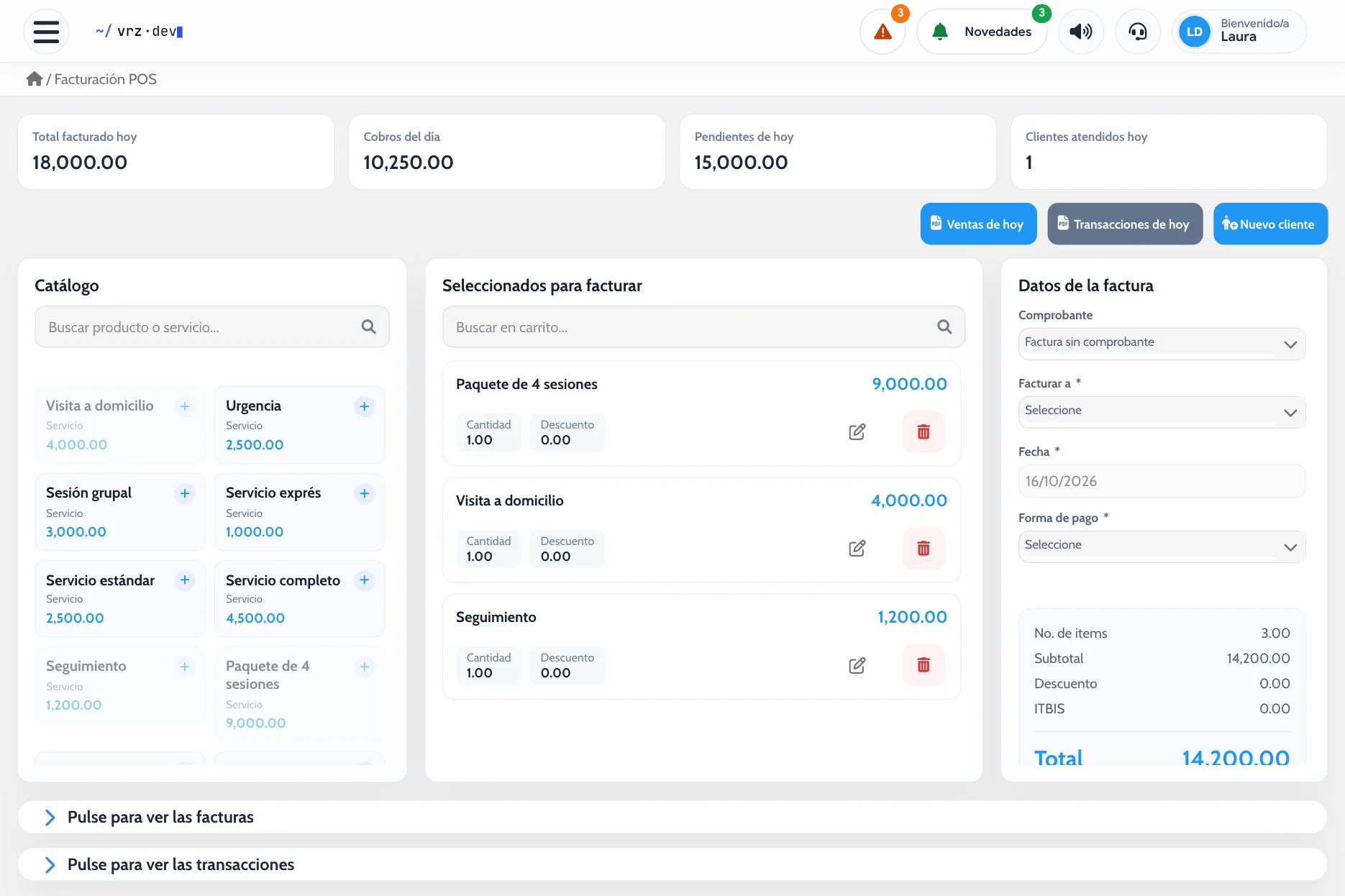
Add products or services with their quantity and discount, and write the terms and clauses you want to include. If the client is new, you create them from the same screen.
Track every quote
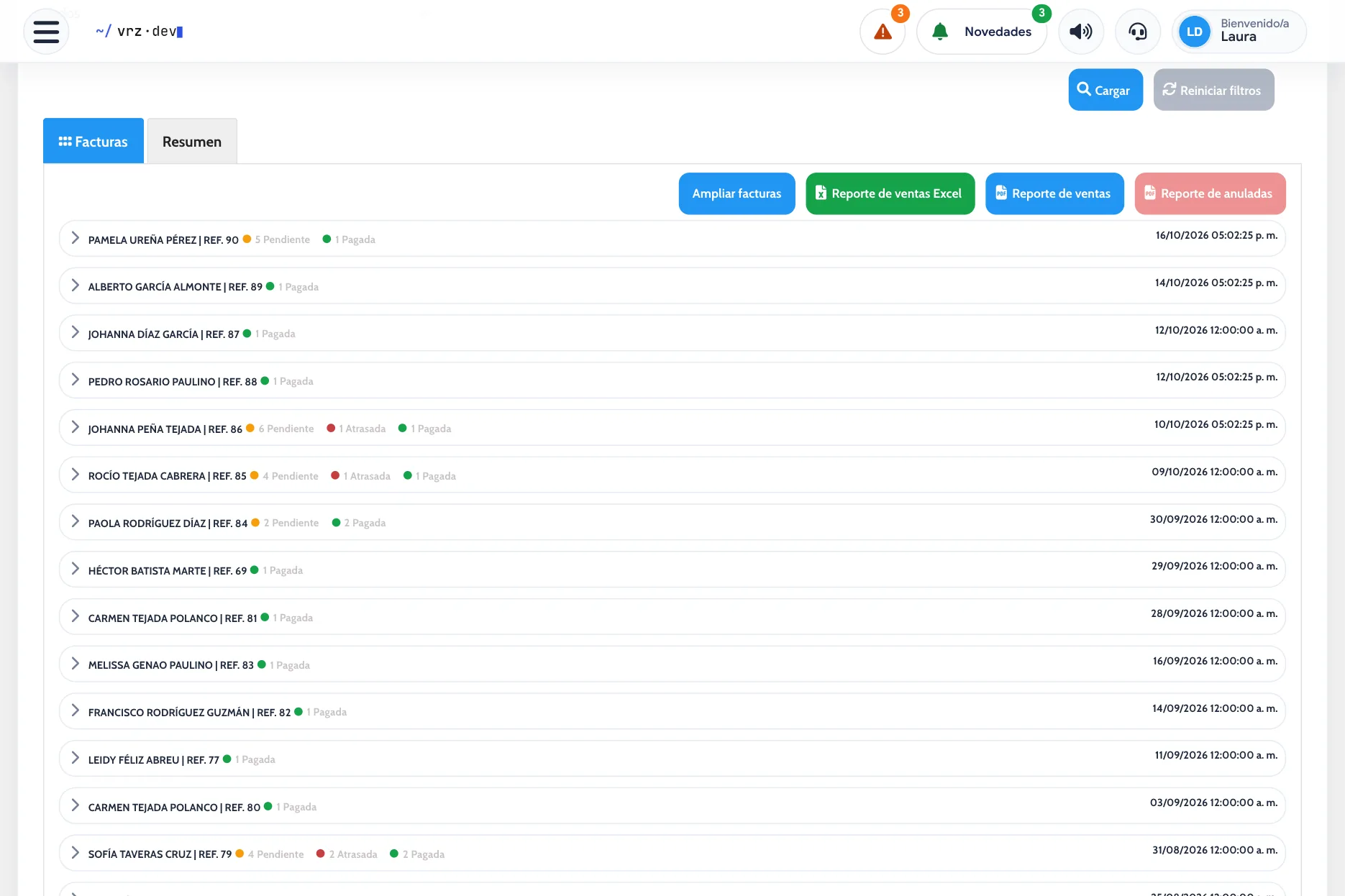
Each quote has its status. Approve it, reject it, extend its validity, or reopen it if the client changes their mind. Print it to hand it over.
From quote to invoice
- Prepare the quote and hand it to the client.
- When they accept, approve it.
- Turn it into an invoice or a contract. Products, prices, and discounts carry over on their own.
How to get started
- Message us and we activate your account.
- We load your clients, products, and services.
- You start billing, collecting payments, and tracking expenses.
Frequently asked questions
Can I turn a quote into an invoice?
Yes. An approved quote becomes an invoice without retyping it.
Can I add terms to the quote?
Yes. You write the general terms and the clauses you need.
What if the quote expires?
You can extend its validity or reopen it.
Can I print the quote?
Yes. You print it to hand it to the client.
How much does E-Fact cost?
It depends on what your business needs. Request a quote.
See it in action
Try the demo or message us to see it with your own billing.