
Online appointment scheduling for your business
See all your appointments in one place and let your clients book on their own with a public link. E-Skin’s scheduling helps you fill your day without back-and-forth calls and messages.
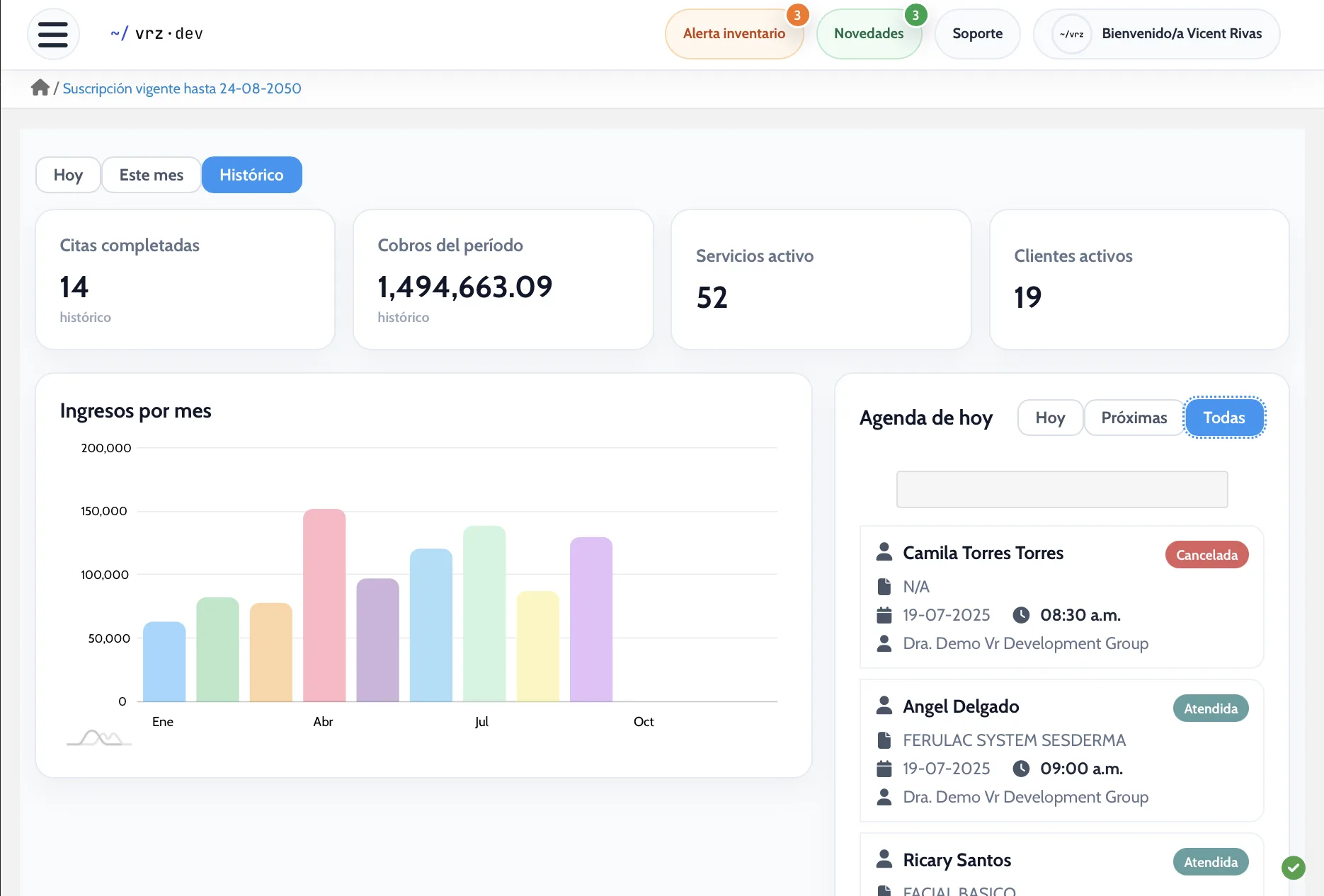
All your appointments in one view
Review today’s, upcoming, confirmed, or canceled appointments, or filter only your own. Create a new appointment from the same screen.
The calendar shows each day’s load by month, week, or day, and the monthly chart separates attended appointments from canceled ones.
A link for your clients to book
Customize and share your scheduling link. You decide which services clients can book, with which staff, how many hours of notice they need, and how many days ahead they can schedule.
A booking page with your business name
Your clients see your business name, address, and phone number, and book in four steps: service, professional, date and details, and confirmation. The page is available in Spanish and English.
How to get started
- Create your E-Skin account.
- Set up your services, products, and team.
- Start scheduling, charging, and billing.
Frequently asked questions
Can my clients book without calling me?
Yes. You share a public link and your clients choose the service, professional, date, and time on their own.
Can I limit which services can be booked?
Yes. You choose the services and staff your clients can select.
Can I require minimum notice?
Yes. You set the minimum hours of notice and the maximum days ahead for booking.
Is the booking page available in English?
Yes. Your clients can switch between Spanish and English.
How much does E-Skin cost?
It depends on what your business needs. Request a quote and we will get back to you with the plan that fits best.
See it in action
Open the demo or log in to explore E-Skin from the inside.
Explore E-Skin featuresAll businessesElectronic invoicingInventory