
Time and attendance from your time clock
Import your time clock file and review each employee’s hours, day by day, before you run payroll.
Import without typing
It works with any time clock or biometric clock that exports its punches to Excel. E-Nómina finds the name, date, time, and employee code columns even if they come in a different order.
Each punch is matched to its employee by clock code or ID number, and the name is checked to avoid mix-ups.
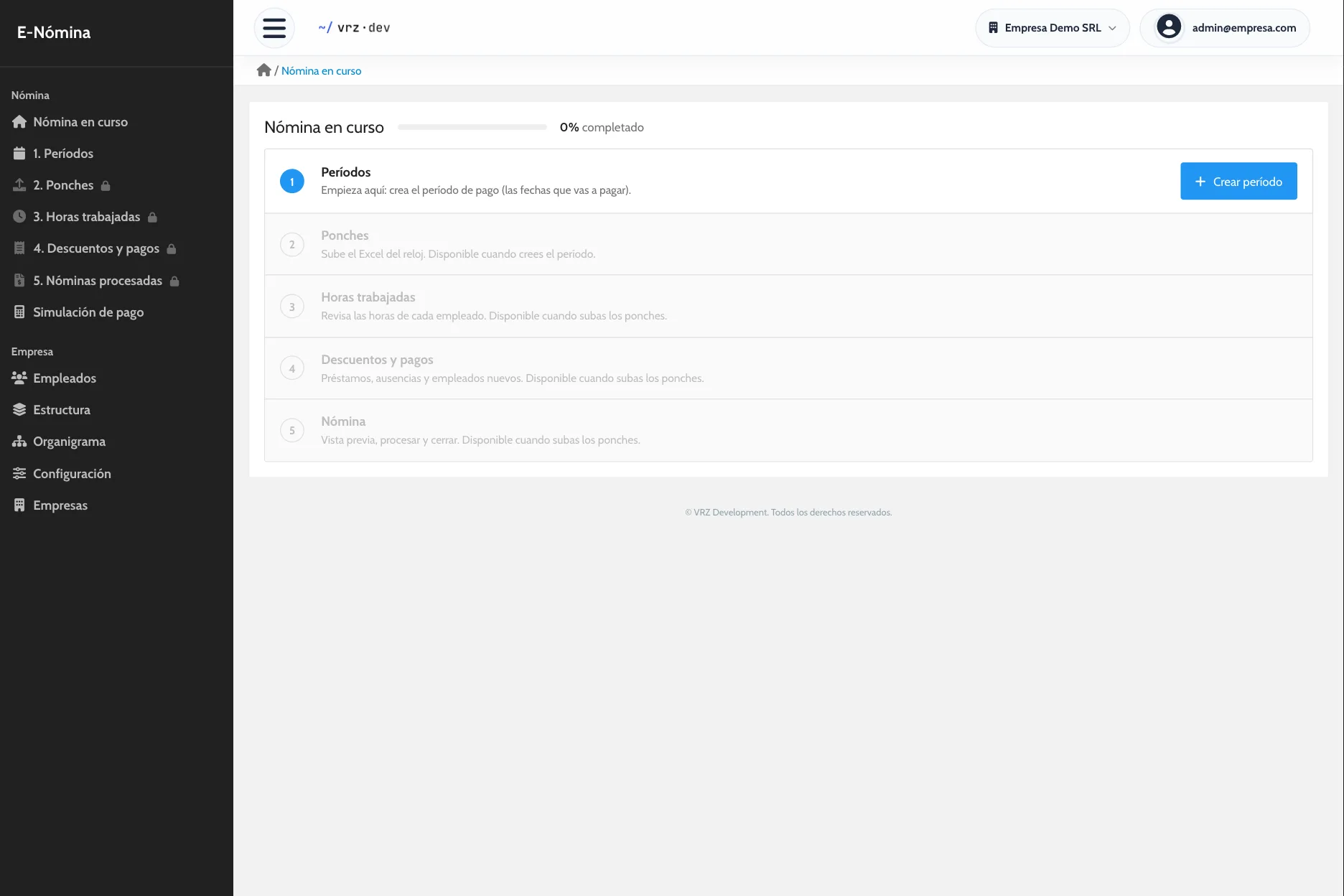
How to move punches into payroll
- Export the period’s punches from your time clock to Excel.
- Upload the file in the punches step.
- Review the preview: each row shows as correct or with the reason for the error, and you can remove the ones that do not belong.
- Save. The import is saved as a whole, so no punches are left half loaded.
No repeated punches
If a punch is already in the system, the import tells you. If it repeats within the same file, it is saved once, and punches a few minutes apart count as one. Only punches inside the open period are accepted.
Each import is recorded with the file, the user, and the date. If you uploaded the wrong file, you undo the whole import while the period is still open.
Hours for every day
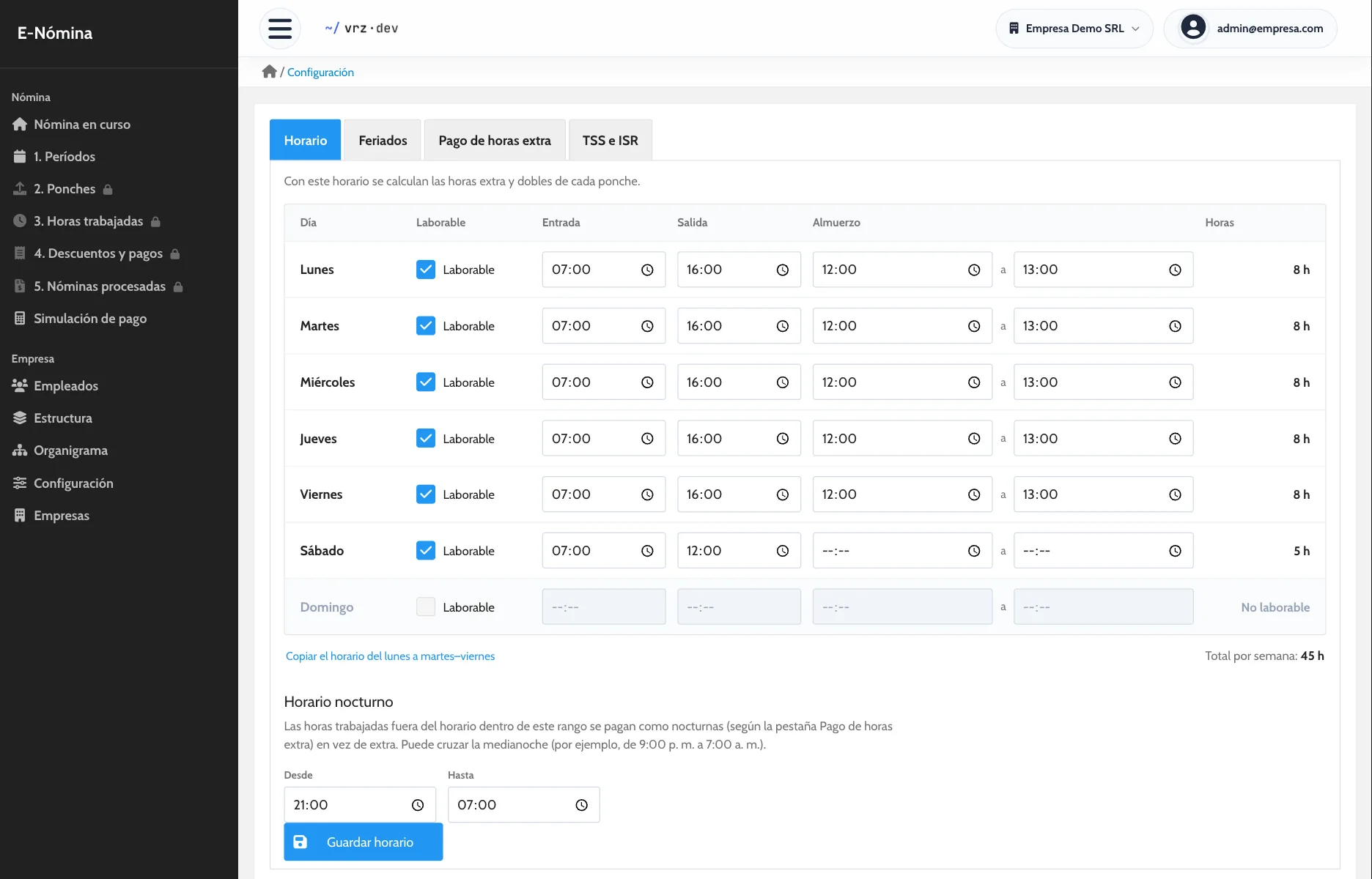
For each employee you see their punches day by day and how their hours split into regular, overtime, double, and night hours, based on the company schedule.
Days with a single punch or an odd number of punches show as incomplete, and you can filter the employees with no punches in the period.
Corrections with a record
If someone forgot to punch, a supervisor enters that day’s real start and end time with a reason. It records who made the change and when, the day shows as corrected, and the original punch stays visible.
How to get started
- Message us and we activate your company.
- We load your employees, positions, schedule, and holidays.
- We run one pay period side by side with your current method.
Keep reading
Payroll calculation
Overtime, holidays, deductions, and bonuses calculated with your company’s rules. Review each employee’s net pay before you close payroll.
Pay stubs
One pay stub per employee with earnings, deductions, and net pay. Generate the stubs for the whole payroll in a single PDF, ready to print.
E-Nómina
Run payroll from your time clock with your company rules, review it before you close, and give every employee a pay stub. Request a quote.
Frequently asked questions
Which time clock works?
Any clock that exports its punches to Excel.
Which columns does the file need?
Name, date, and time of each punch, plus the employee’s clock code or ID number. The order does not matter.
What if I upload the same file twice?
The import stops and shows which punches were already loaded. Nothing is duplicated.
Can I undo an import?
Yes, as long as that payroll has not been processed.
What if an employee forgot to punch?
A supervisor corrects that day’s time with a reason, and the original punch is kept.
How much does E-Nómina cost?
It depends on the number of employees. Request a quote.
See it in action
Try the demo with a sample company of 80 employees, or message us to see it with your own payroll.