
How to calculate overtime pay for your employees
Overtime has three parts: what a regular hour is worth, how many hours went past the schedule, and how much extra each one pays.
1. The regular hourly rate
If the employee is paid hourly, that is the rate. If they are salaried, divide their salary for the period by the hours they are scheduled to work in that period.
2. The hours past the schedule
Compare each day’s in and out punches with the employee’s schedule. Whatever goes past the schedule is overtime. Account for lunch and keep night, weekend, and holiday hours separate, because they are usually paid differently.
3. The premium
Each kind of hour is paid with a percentage on top of the regular rate. That percentage comes from the rules that apply to your company. The math is: overtime hours times hourly rate times one plus the premium.
An example
Ana earns 24,000 a month and her schedule adds up to 192 hours. Her regular hour is worth 125. One Tuesday she stayed two extra hours. If your company pays overtime with a 35% premium, each hour is worth 125 times 1.35, or 168.75, and the two add up to 337.50. Use the percentage that applies to you.
Common mistakes
Counting lunch as time worked. Mixing night or holiday hours with regular overtime. Typing punches by hand and skipping a day. Changing the premium in the middle of a period.
Without doing it by hand
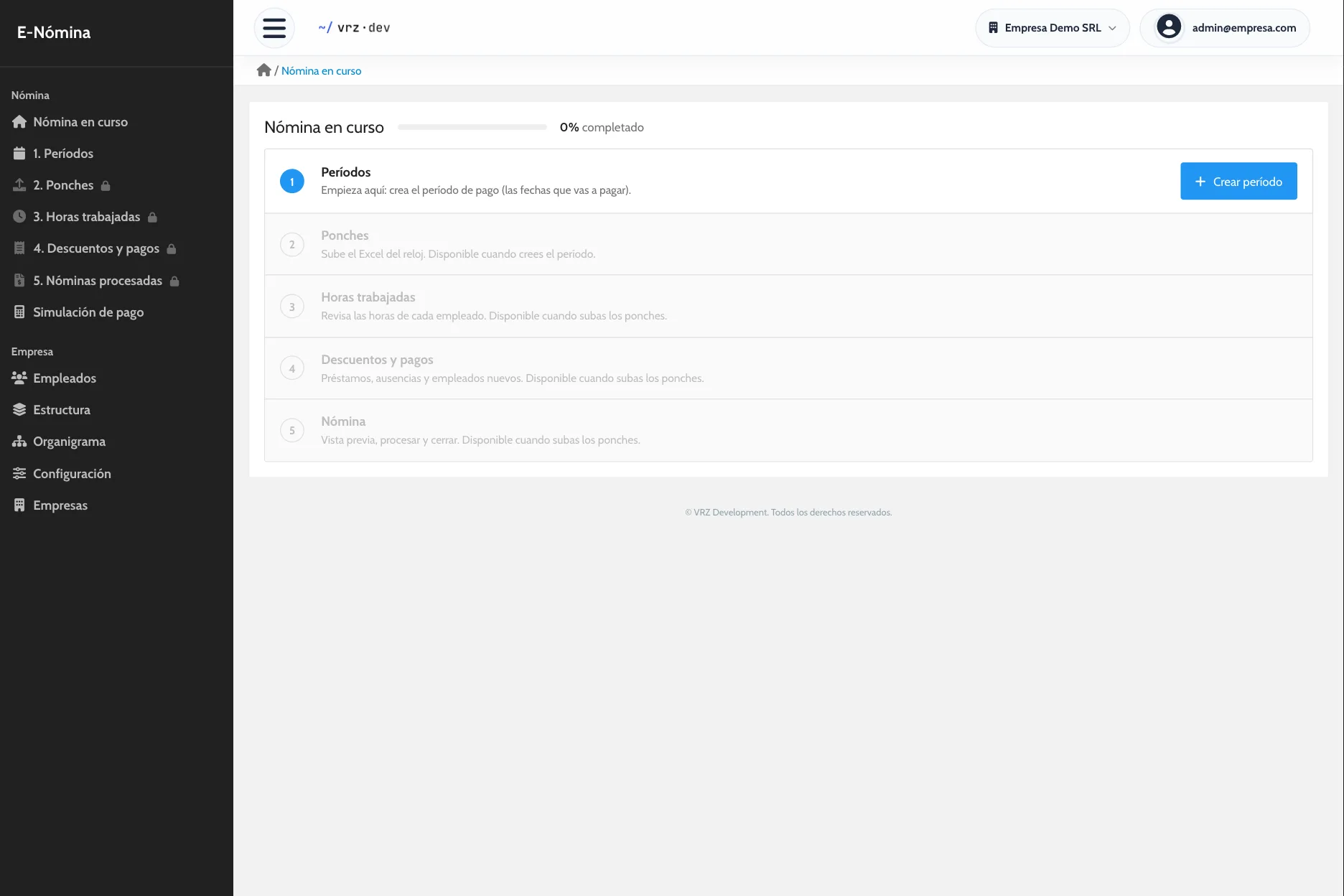
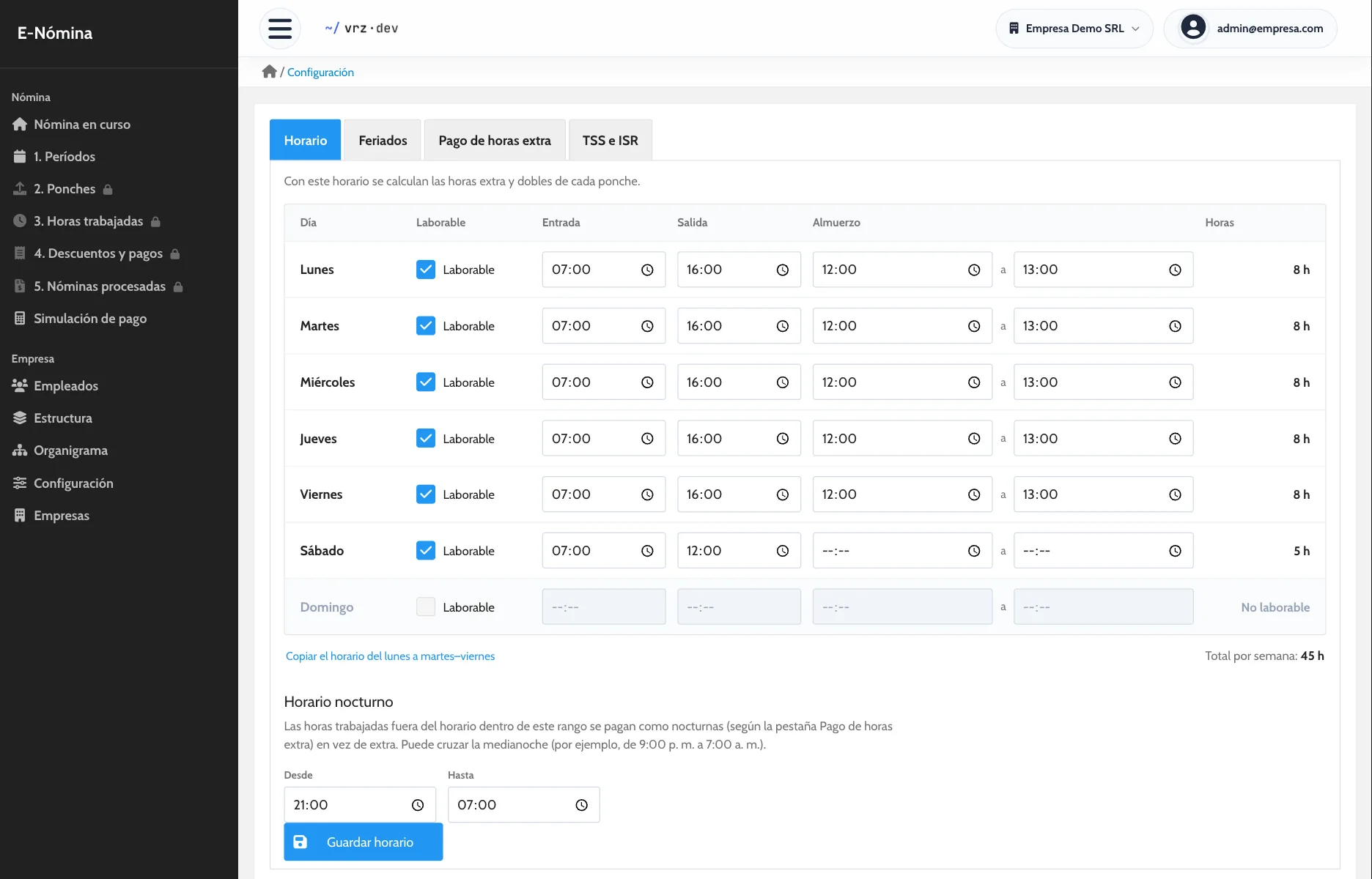
In E-Nómina you set the schedule and the percentage for each kind of hour once. When you upload the time clock file, hours are split automatically and you see each employee’s net pay before you close.
How to get started
- Message us and we activate your company.
- We load your employees, positions, schedule, and holidays.
- We run one pay period side by side with your current method.
Keep reading
Payroll calculation
Overtime, holidays, deductions, and bonuses calculated with your company’s rules. Review each employee’s net pay before you close payroll.
Time and attendance
Import your time clock punches without retyping them and review each employee’s hours, day by day, before you run payroll.
Pay stubs
One pay stub per employee with earnings, deductions, and net pay. Generate the stubs for the whole payroll in a single PDF, ready to print.
Frequently asked questions
How do I get the hourly rate for a salaried employee?
Divide their salary for the period by the hours they are scheduled to work in that period.
Does lunch count as time worked?
It depends on your rules. It is usually subtracted from the time between in and out.
Are night hours overtime?
Not always. A night hour can be within the schedule and still be paid with a premium. It helps to track them separately.
What percentage is paid for overtime?
It comes from the rules that apply to your company. In E-Nómina you set it by kind of hour and by position.
How much does E-Nómina cost?
It depends on the number of employees. Request a quote.
See it in action
Try the demo with a sample company of 80 employees, or message us to see it with your own payroll.