
How to move your payroll from Excel to software
A spreadsheet works until the team grows. Here is how to know when to switch, what to prepare, and how to do it without risking the next pay run.
Signs it is no longer enough
You spend hours copying punches from the time clock. Every period someone changes a formula without telling anyone. You cannot tell why an employee’s net pay differs from last month. Printing pay stubs one by one takes an afternoon.
What to prepare before you switch
- The employee list with position, start date, pay type, and salary or rate.
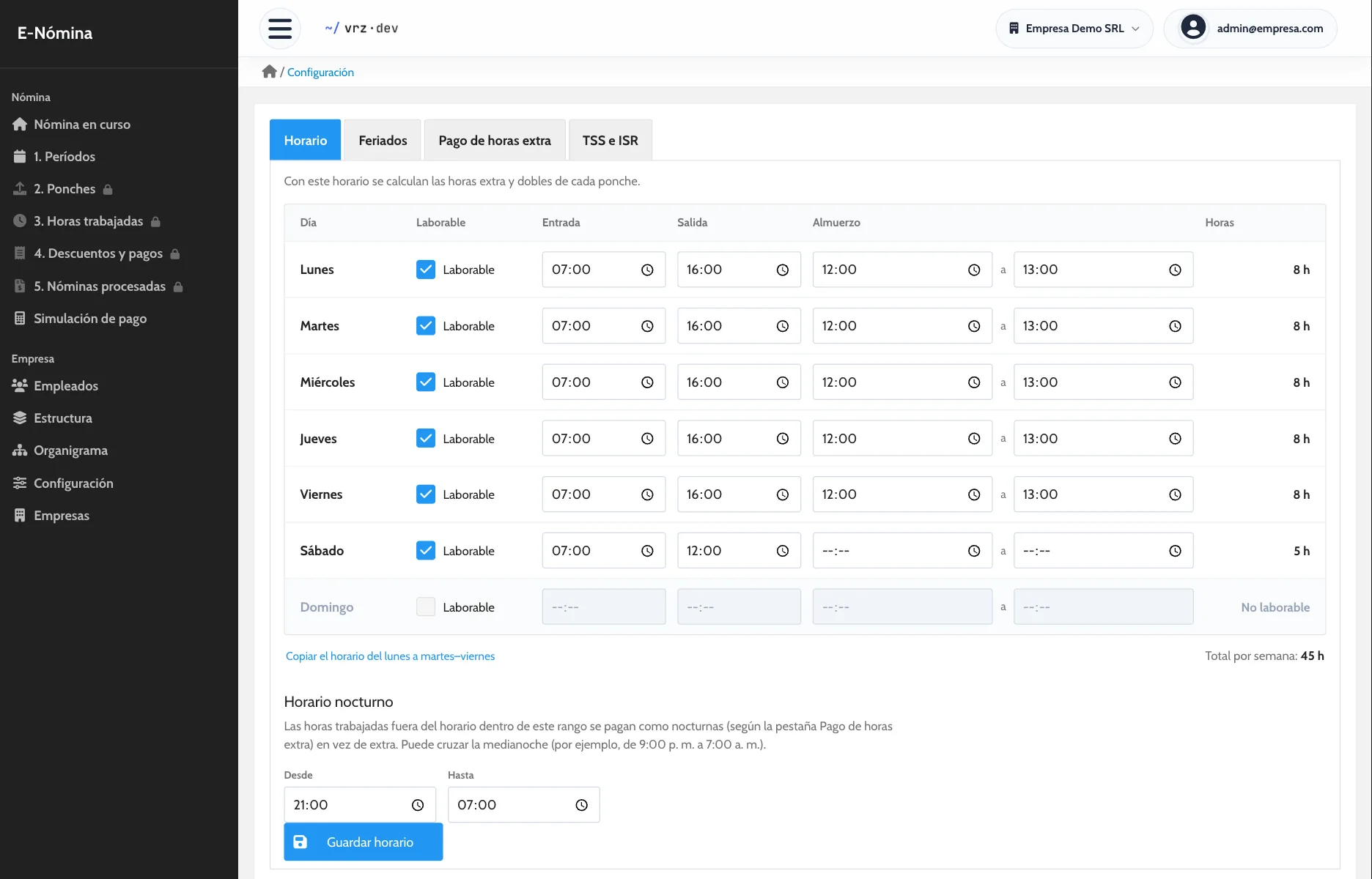
- The company schedule and the percentage you pay for overtime, night, weekend, and holiday hours.
- The loans and advances you are deducting, with the installments left.
- A time clock file from a period you already paid, to compare.
One period side by side
Do not switch all at once. Run one period in the new system and in your spreadsheet, with the same punches, and compare each employee’s net pay. If there are differences, you find the reason before paying with the new system.
How we do it with E-Nómina
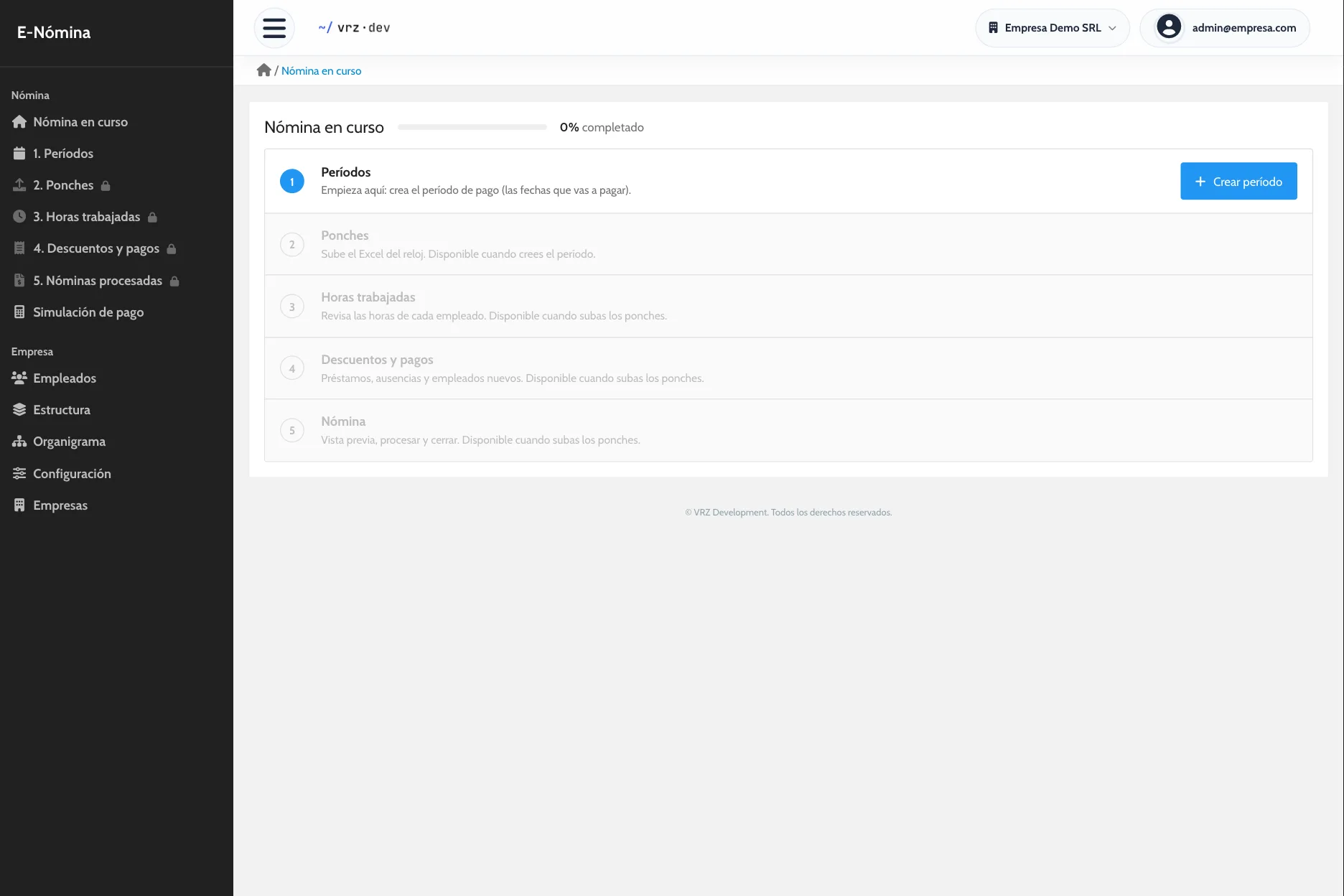
We activate your company, load your employees, positions, schedule, and holidays, and run one period side by side with your current method. When the numbers match, you run the next payroll in E-Nómina.
How to get started
- Message us and we activate your company.
- We load your employees, positions, schedule, and holidays.
- We run one pay period side by side with your current method.
Keep reading
E-Nómina
Run payroll from your time clock with your company rules, review it before you close, and give every employee a pay stub. Request a quote.
Time and attendance
Import your time clock punches without retyping them and review each employee’s hours, day by day, before you run payroll.
Pay stubs
One pay stub per employee with earnings, deductions, and net pay. Generate the stubs for the whole payroll in a single PDF, ready to print.
Frequently asked questions
Do I lose my spreadsheet history?
No. Keep it as a backup. New periods are saved in the system exactly as they were paid.
Do I need a new time clock?
No, if your clock exports its punches to Excel.
How long does the switch take?
As long as one side-by-side period. After that you pay with the system.
How much does E-Nómina cost?
It depends on the number of employees. Request a quote.
See it in action
Try the demo with a sample company of 80 employees, or message us to see it with your own payroll.